

I am a part-time creator building a system so I never have to “find time.” I get maybe an hour a day to create, and for a long time that hour got eaten by everything except creating.
This week in my diary, I am documenting the system itself: the agent pipeline that scouts trends, manages my content backlog, and edits my videos while I do the only part that actually needs me.
By day, I am an applied AI architect. I build production-grade AI agents for Fortune 500 companies.
On nights and weekends, I am a part-time content creator. I am also a dad to a one-year-old.
Finding time is not easy. So I build systems, with agents of course, that do most of the heavy lifting and get me to the outcome faster. In this case, the outcome is filming a script for my YouTube, Instagram, and TikTok channels.
In this article I will deep dive into my workflow, stage by stage, so you can replicate it if you are building your own content creation system.
This edition is sponsored by Runner. It also happens to be the tool at the center of the workflow you are about to read.
Runner is an AI Chief of Staff that connects to your tools and gets work done:
Automate work: Inbox triage, meeting prep, research, outreach, follow-ups, and content repurposing.
Connect your apps: Gmail, Slack, Calendar, Drive, Docs, Sheets, Notion, HubSpot, GitHub, Linear, and more.
Save Workflows: Reuse your playbooks for reviews, lead qualification, client updates, audits, and content calendars.
Schedule Runners: Run briefings, pipeline checks, trend scans, and follow-ups without prompting.
Keep control: Use memory for your preferences and voice, with sensitive actions held for review.
(Thanks to Runner for partnering on this newsletter and sharing the ultimate agentic workflow guide for automations)
The math that forced the system
Part-time means the math is brutal. I get maybe an hour a day, if I am lucky, to create.
For a long time that hour got eaten by everything except creating: scrolling for trends, re-finding the script I started, figuring out where I left off, deciding what to post. By the time I sat down to actually make something, the window was gone.
So, I stopped trying to find more time and started building a system that makes the hour I have actually count.
Here is the honest truth about being a part-time creator: anything that is not seamless does not get done.
If an idea requires me to open six tabs, copy something from one place to another, and remember where I put the draft, it dies. Every time.
Not because I am lazy. Because the friction is bigger than the time I have.
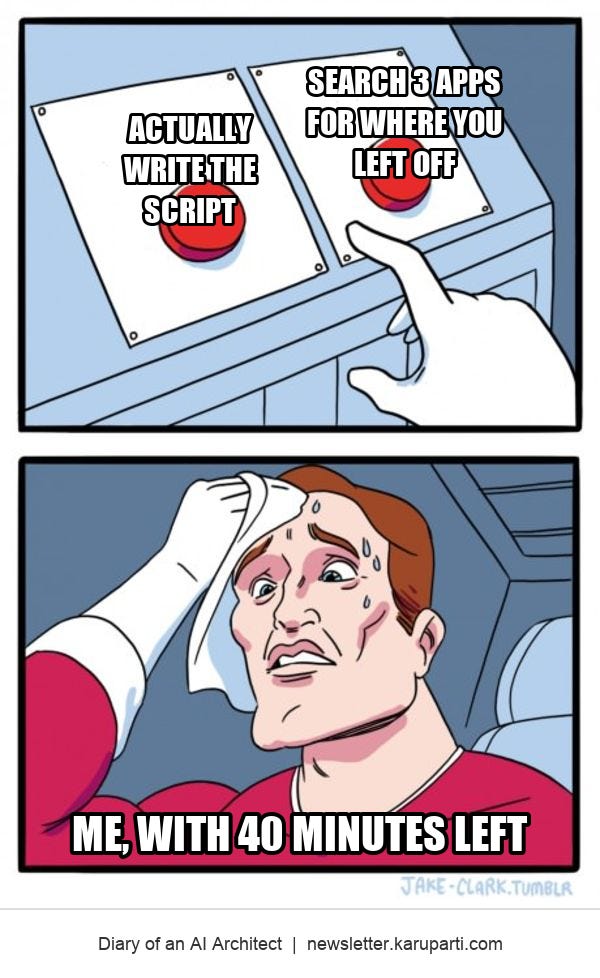
The framework: find more time versus remove the friction
Reflex: "I need to find more time"
  -> scroll for trends at 11 pm
  -> lose the hour to searching and setup
  -> post on adrenaline, burn out by month four

Fix: "I need to remove the friction"
  -> agents do the noticing and the logging
  -> one pipeline holds every idea, script, and status
  -> the hour goes to the one part that needs me
So, I am automating the parts that do not require me and structuring the parts that do.
The whole thing is designed around one question: when I sit down to create, how fast can I go from “open laptop” to “filming a script”?
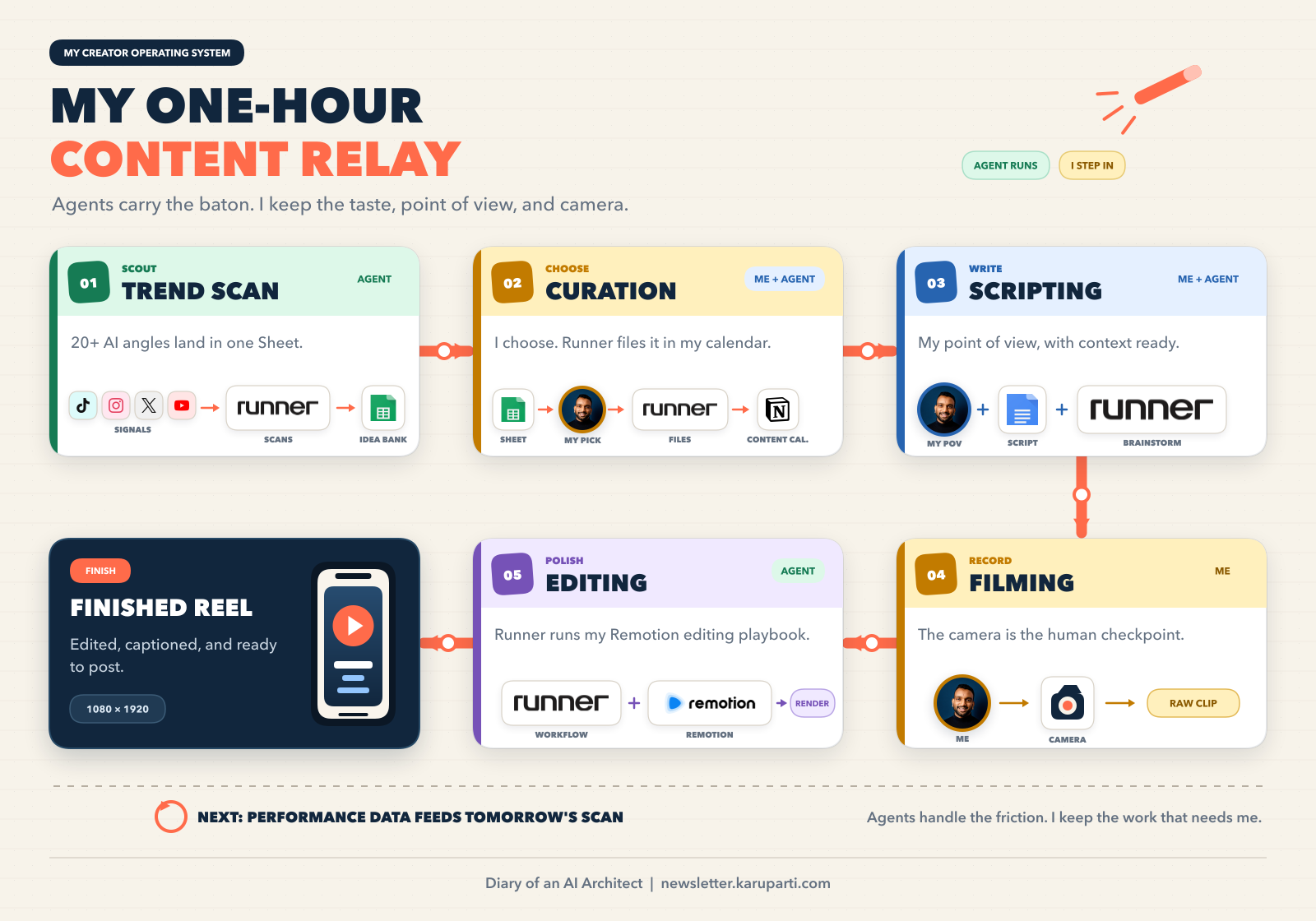
The pipeline has five stages:
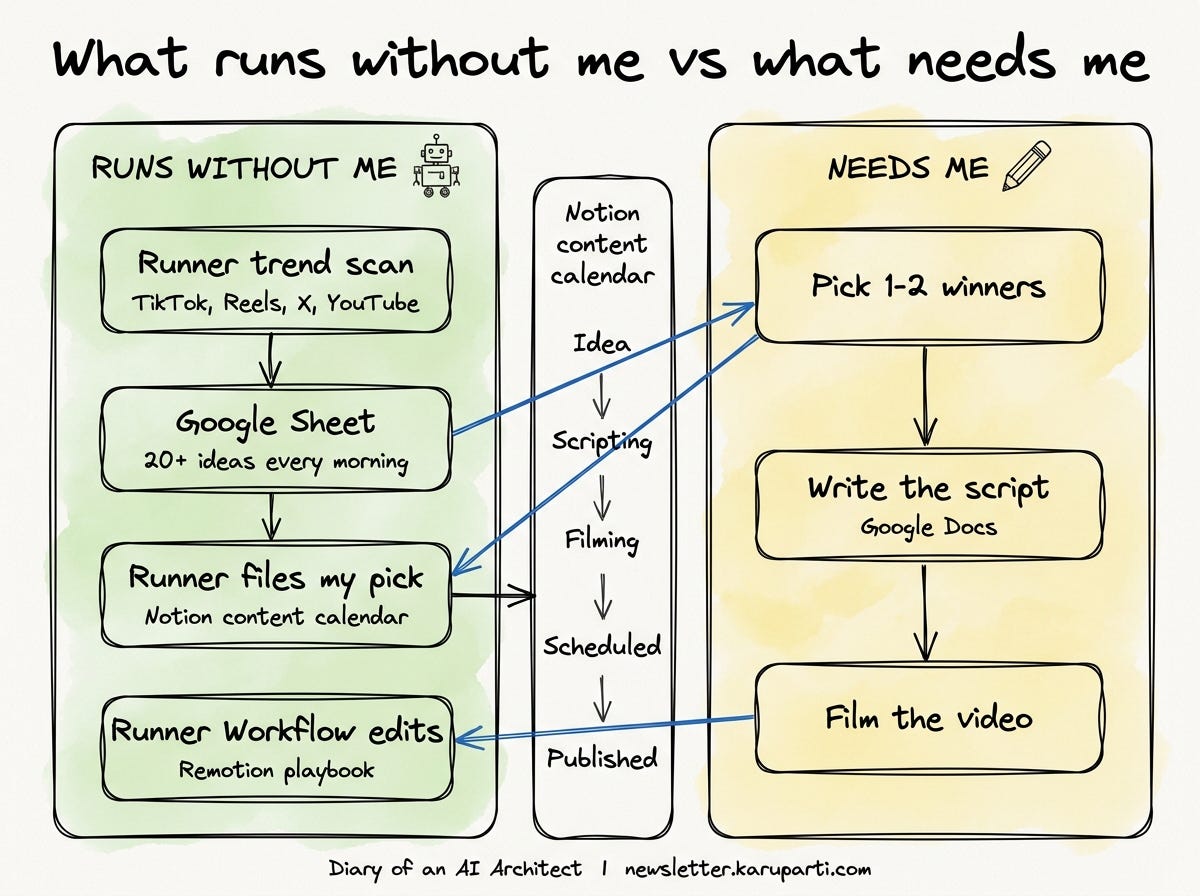
Trend scan: a scheduled Runner agent scans TikTok, Instagram Reels, X, and YouTube and writes ideas into a Google Sheet.
Curation: I pick the winners, then Runner moves the selected rows from the Sheet into my Notion content calendar.
Scripting: I write the script in Google Docs, with Runner as a brainstorming partner when I am stuck.
Filming: I record the video. I keep this part human because my face, voice, and judgment are the product.
Editing: a Runner Workflow runs my Remotion skill and turns the raw clip into a finished vertical short.
Stage 1: the trend scan that runs without me
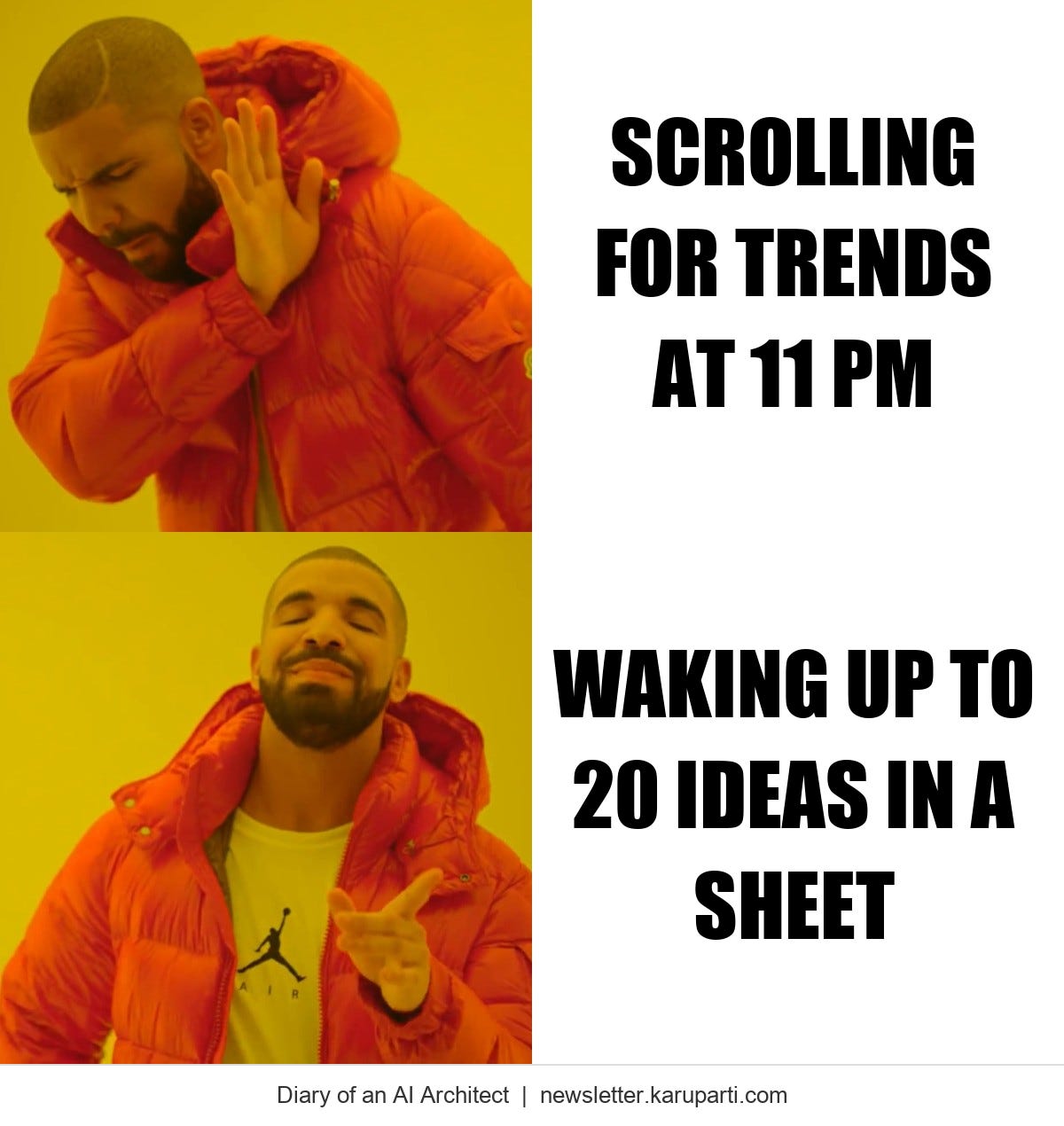
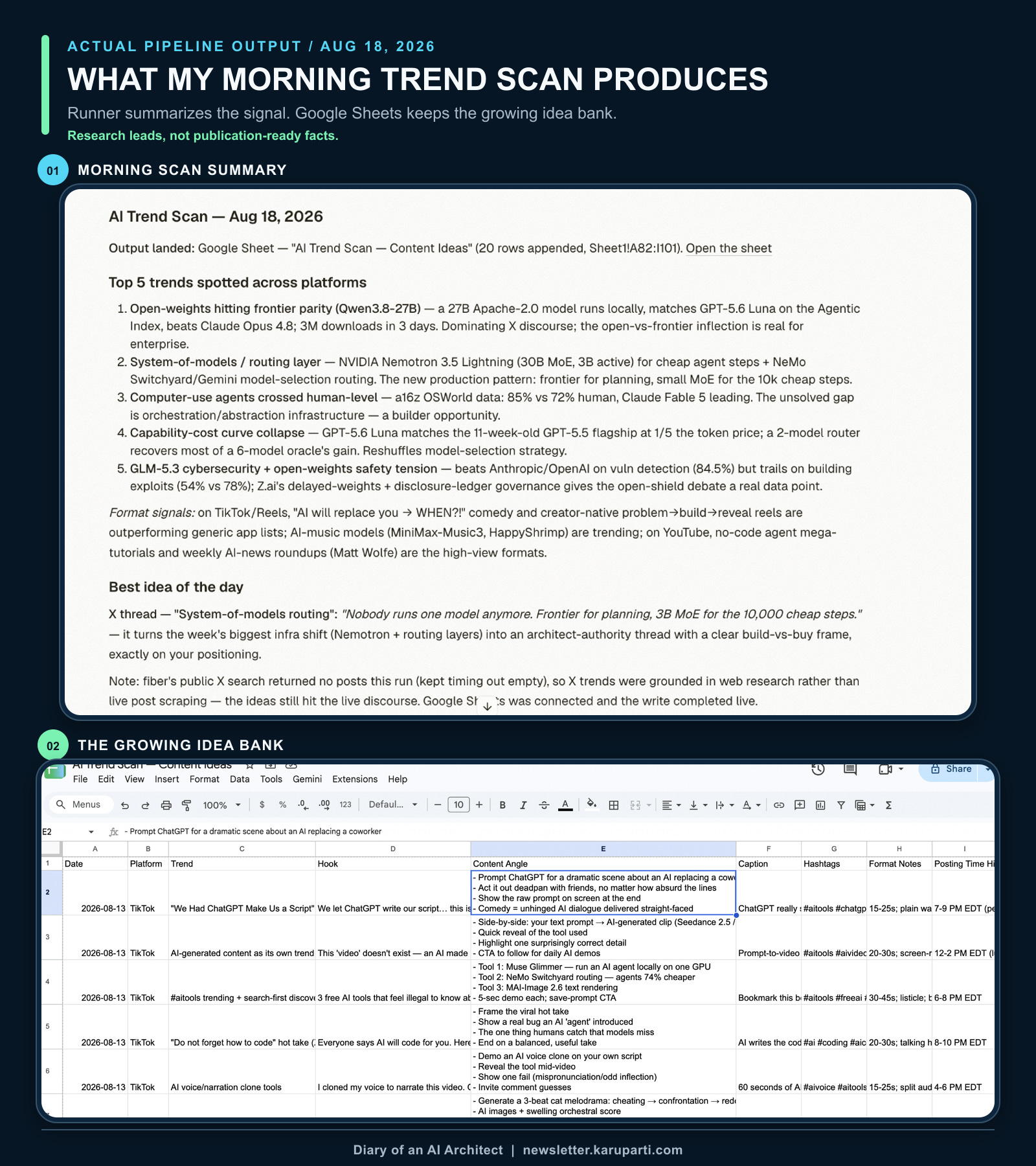
Every morning, a Runner scan runs across TikTok, Instagram Reels, X, and YouTube. It pulls what is actually trending in AI: sounds, formats, viral posts, hot takes. Then it writes 20+ content ideas into a Google Sheet.
Each row has the trend, a hook, a content angle, a caption, hashtags, format notes, and the best posting time.
I do not scroll for trends anymore. I wake up and the ideas are already sitting in a spreadsheet. That is the noticing, done for me, every day, on a schedule.
Here is the system in practice: the morning scan summary on top, and the Sheet it keeps building over time below. I treat the output as a queue of research leads, not publication-ready facts.
Stages 2 and 3: the part that actually needs me
The Sheet is the raw idea bank. Append-only. I never curate it in place. When I sit down to create, I pick one or two rows that fit my angle and drop them into a Notion pipeline.
Each piece of content is one item that moves through statuses: Idea → Scripting → Filming → Scheduled → Published. One glance tells me exactly what is in scripting, what is waiting to be filmed, and what ships next.
Then I write the script. That is the part that needs me: the thinking, the take, the hook. The script lives in a Google Doc the system already created and linked to the Notion item, so I open it and start typing.
Could an agent draft the script too? Probably. But the point of the system is not to remove me from the work that is mine. When I am stuck, Runner is a good brainstorming partner because it already has the trend row and my workspace as context.
The system’s real job is to make sure that by the time I am writing, everything else is handled: the idea is captured, the task exists, the page is open and waiting.
Stages 4 and 5: filming, then a Runner Workflow edits the video
I film the script. That is the whole stage. The system cannot supply my point of view or presence; that part stays human.
Editing used to be the second biggest time sink after trend scouting. Now I hand the raw clip to a Runner Workflow that runs my Remotion skill (ported from my Claude Skill).
It cuts the clip into a vertical 1080x1920 short, adds word-synced captions, drops in motion graphics and brand logos, and renders a thumbnail with a title you can read on a phone.
The editing logic started as a Claude skill. I did not throw that work away. I brought the workflow logic into Runner and saved it as a reusable Workflow.
Runner’s own model is simple: a Workflow says how, a Runner owns the job, and the schedule says when.
If you already have Claude skills, you do not have to rebuild from a blank page. Bring the instructions, checklists, and decision rules you already encoded into a Runner Workflow, then let a Runner invoke that playbook on demand or on a schedule.
For me, that meant moving my caption style, safe zones, font sizes, brand colors, and render steps into the Remotion workflow. Every edit is still a prompt, not an evening, but now it runs inside the same system as the rest of the pipeline.
Why it’s all in one place now.
I used to run this through an OpenClaw agent linked to my Telegram. The idea was smart: trends land in a chat, I react, things get logged. I wrote about that architecture in my OpenClaw and Hermes edition.
But the UX was brutal. Everything was a flat scroll of messages. No structure, no views, no way to see what is in scripting versus what is scheduled.
My ideas, my scripts, and my statuses were all mashed into one thread, and I would spend my hour just searching for what I wrote yesterday.
What I wanted was something that felt like the systems I build at work: structured, connected, personal, but with a web UX that actually worked.
That is what made Runner click for me. My Notion and Google Drive are connected, so it reads my trend Sheet, files selected ideas in my Notion pipeline, and creates Docs in my Drive, all from one place.
It also remembers how I work: the topics I cover, the systems I use, and the context behind my projects.
I do not have to introduce myself or reconstruct the workflow every time I start a session. It feels less like prompting a blank chatbot and more like working with a collaborator who already knows the setup.
I am not copy-pasting between apps or rebuilding context anymore. The apps talk to each other, Runner keeps the thread, and I focus on the judgment.
The part-time creator’s real advantage
People assume part-time creators are at a disadvantage because they post less. Here is the flip side: you are forced to build a system run by agents, because you have no other choice. And a system compounds in a way that willpower does not.
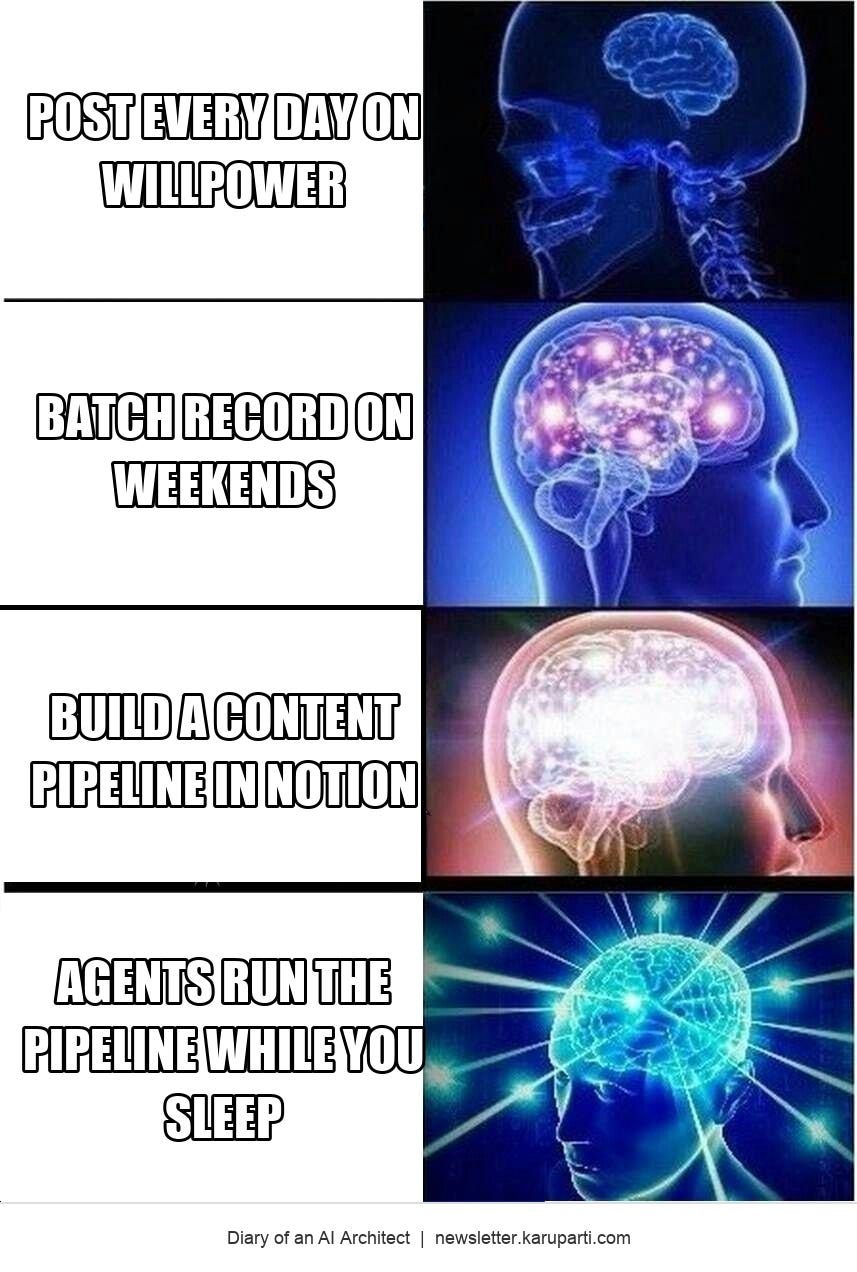
The creators posting every day on adrenaline and caffeine will burn out by month four. The ones with a pipeline (automated intake, a place for the script, a way to review what worked) just keep going.
And in content, the people who keep going are the ones who win.
Thanks again to Runner for sponsoring this edition. If this made you think of a task you would rather stop doing manually, try Runner through my invite. Also check out these incredible Runner workflows.
Thank you for reading Diary of an AI Architect

Anu Karuparti Creator, Diary of an AI Architect
How enterprises actually ship AI to production
Read by 3,000+ FDEs, AI Architects, and Engineering Leaders from Microsoft, Google, IBM, PwC and others.
Connect with me on LinkedIn.
Want to partner? Email me at anurag.karuparti@gmail.com.